-
[Git] .gitignore 파일 생성하기Git 2022. 1. 9. 22:30
.gitignore 파일은 git에서 특정 파일을 추적되지 않는 상태로 유지하기 위해 사용한다.
즉, git에 포함시키지 않을 파일을 설정할 때 사용하는데
보통 실행 파일, 로그 파일, 문서 파일, 패키지 파일 등을 포함시켜준다.
이제 파일을 생성해보도록 하자.
먼저 아래 사이트에 접속한다.
gitignore.io
Create useful .gitignore files for your project
www.toptal.com
아래 사진처럼 Swift, Xcode, CocoaPods를 입력하고 파일을 생성한다.

생성 버튼을 누르면, 아래와 같은 파일이 생성되는데 이를 전부 복사한다.

파일 내용은 밑에 클릭!
더보기.gitignore
# Created by https://www.toptal.com/developers/gitignore/api/swift,xcode,cocoapods
# Edit at https://www.toptal.com/developers/gitignore?templates=swift,xcode,cocoapods

### CocoaPods ###
## CocoaPods GitIgnore Template

# CocoaPods - Only use to conserve bandwidth / Save time on Pushing
#           - Also handy if you have a large number of dependant pods
#           - AS PER https://guides.cocoapods.org/using/using-cocoapods.html NEVER IGNORE THE LOCK FILE
Pods/

### Swift ###
# Xcode
#
# gitignore contributors: remember to update Global/Xcode.gitignore, Objective-C.gitignore & Swift.gitignore

## User settings
xcuserdata/

## compatibility with Xcode 8 and earlier (ignoring not required starting Xcode 9)
*.xcscmblueprint
*.xccheckout

## compatibility with Xcode 3 and earlier (ignoring not required starting Xcode 4)
build/
DerivedData/
*.moved-aside
*.pbxuser
!default.pbxuser
*.mode1v3
!default.mode1v3
*.mode2v3
!default.mode2v3
*.perspectivev3
!default.perspectivev3

## Obj-C/Swift specific
*.hmap

## App packaging
*.ipa
*.dSYM.zip
*.dSYM

## Playgrounds
timeline.xctimeline
playground.xcworkspace

# Swift Package Manager
# Add this line if you want to avoid checking in source code from Swift Package Manager dependencies.
# Packages/
# Package.pins
# Package.resolved
# *.xcodeproj
# Xcode automatically generates this directory with a .xcworkspacedata file and xcuserdata
# hence it is not needed unless you have added a package configuration file to your project
# .swiftpm

.build/

# CocoaPods
# We recommend against adding the Pods directory to your .gitignore. However
# you should judge for yourself, the pros and cons are mentioned at:
# https://guides.cocoapods.org/using/using-cocoapods.html#should-i-check-the-pods-directory-into-source-control
# Pods/
# Add this line if you want to avoid checking in source code from the Xcode workspace
# *.xcworkspace

# Carthage
# Add this line if you want to avoid checking in source code from Carthage dependencies.
# Carthage/Checkouts

Carthage/Build/

# Accio dependency management
Dependencies/
.accio/

# fastlane
# It is recommended to not store the screenshots in the git repo.
# Instead, use fastlane to re-generate the screenshots whenever they are needed.
# For more information about the recommended setup visit:
# https://docs.fastlane.tools/best-practices/source-control/#source-control

fastlane/report.xml
fastlane/Preview.html
fastlane/screenshots/**/*.png
fastlane/test_output

# Code Injection
# After new code Injection tools there's a generated folder /iOSInjectionProject
# https://github.com/johnno1962/injectionforxcode

iOSInjectionProject/

### Xcode ###
# Xcode
# gitignore contributors: remember to update Global/Xcode.gitignore, Objective-C.gitignore & Swift.gitignore


## Gcc Patch
/*.gcno

### Xcode Patch ###
*.xcodeproj/*
!*.xcodeproj/project.pbxproj
!*.xcodeproj/xcshareddata/
!*.xcworkspace/contents.xcworkspacedata
**/xcshareddata/WorkspaceSettings.xcsettings

# End of https://www.toptal.com/developers/gitignore/api/swift,xcode,cocoapods
파일을 복사한 후에, 터미널에서 명령어를 입력해서 vi 편집기로 들어간다.
vi .gitignore파일이 열리면, i 키를 눌러서 INSERT 모드로 바꾼 후에 파일을 편집하면 된다.
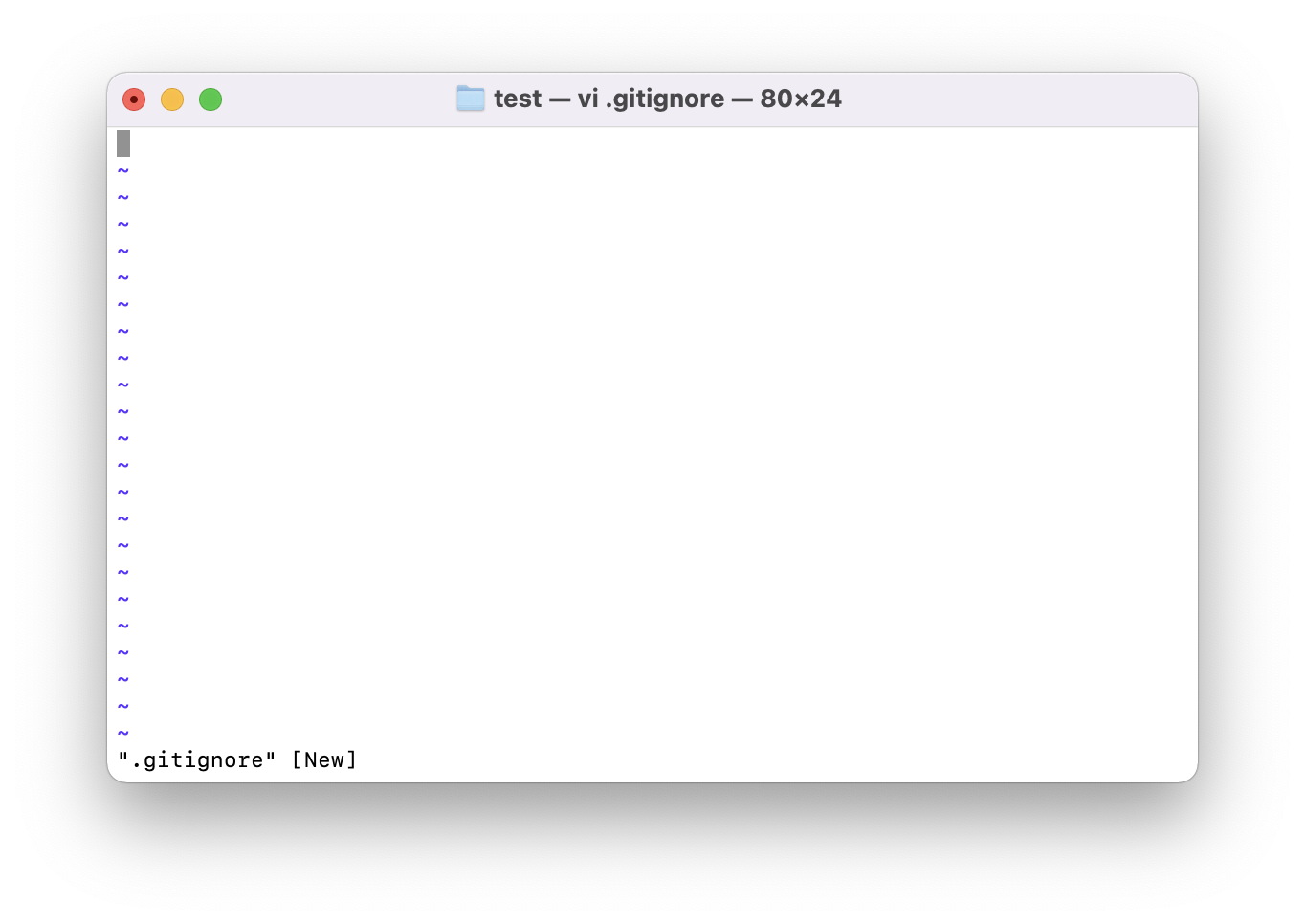
복사한 파일을 붙여넣기한 후에 ESC키를 눌러서 입력을 멈추고, :wq!를 입력하여 편집기를 종료한다.

여기까지 완료하면 .gitignore 파일 추가가 완료된다.
'Git' 카테고리의 다른 글
[Git] Git commit message 템플릿 만들기 (0) 2022.05.24 [Git] Found a swap file by the name 해결 방법 (0) 2022.03.31 [Git] error: '폴더이름/~' does not have a commit checked out 해결방법 (0) 2022.02.27 [Git] 이미 push한 커밋 메시지 변경하기 (0) 2022.01.05